What warehouse planners really expect from a 3D layout editor
If you plan warehouses for a living, you already know the rhythm. You place a rack aisle. You shift a conveyor by half a meter. You try a second inbound spur, then undo it. You duplicate a picking zone because the first one almost worked. You do this dozens of times before the layout even feels honest.
That work is not glamorous. It is careful, repetitive, and spatial. And the tools you use either help that rhythm—or get in the way of it.
For a long time, the best interaction patterns for this kind of work lived in 2D editors. Not in CAD alone, and not only in heavy simulation suites. In tools like Excalidraw and tldraw, selection, movement, copy, and paste feel almost invisible. You stop thinking about the editor and start thinking about the layout.
In 3D, the same interaction craft is harder—and that makes the established tools in this space even more impressive. Platforms like Siemens Tecnomatix Plant Simulation and FlexSim have shaped how the industry models material flow. Their editors remain an important reference for anyone building warehouse planning software.
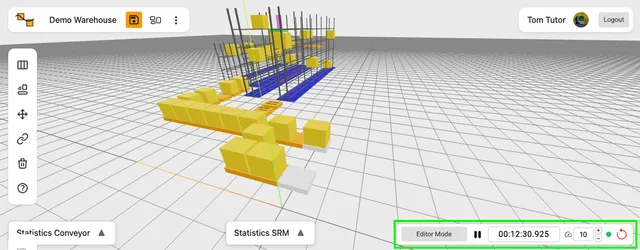
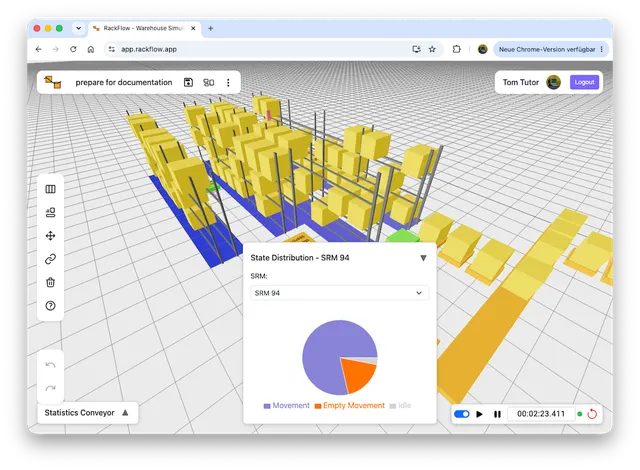
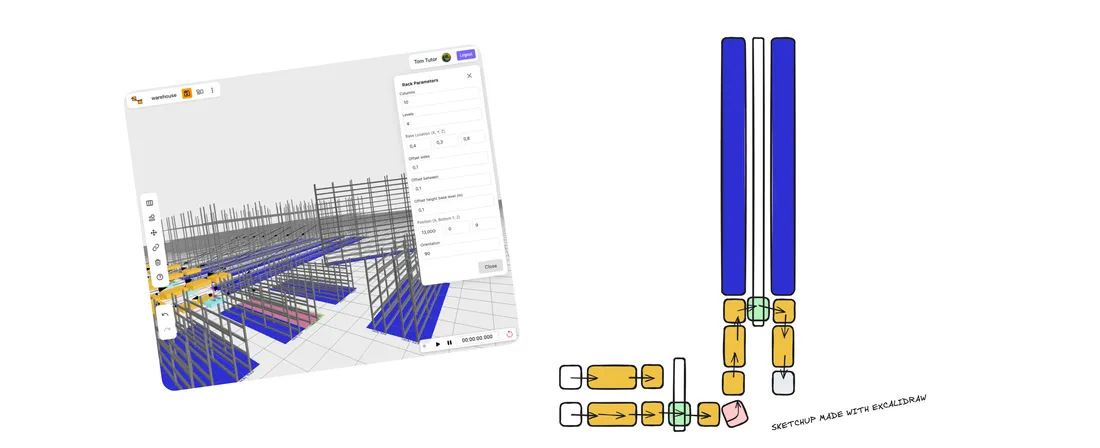
What I am trying to do in RackFlow is learn from that tradition, and from fluid 2D editors, then focus on the early layout rhythm my users asked for first.
The features users missed first
When people start using a warehouse editor, they rarely ask for a new algorithm. They ask for the basics:
- Select more than one thing at once.
- Move a group without having to rebuild it piece by piece.
- Move something by a full meter, then nudge it by ten centimeters.
- Raise or lower elements when layouts have multiple floor levels.
- Copy a working pattern and paste it somewhere else.
- Undo the last change without fear.
These sound like product hygiene. In practice, they are the difference between exploring options and fighting the tool. The interaction model is intentionally boring in the best possible way. If you’ve used modern editors before, most shortcuts work exactly as you’d expect.
Movement
| Shortcut | Result |
|---|---|
| Arrow keys ←→↑↓ | 0.1 m on the floor |
| Shift + ←→↑↓ | 1.0 m on the floor |
| ⌘/Ctrl + ↑↓ | 0.1 m vertical |
| ⌘/Ctrl + Shift + ↑ / ↓ | 1.0 m vertical |
Editing
| Shortcut | Result |
|---|---|
| ⌘/Ctrl + C | Copy selected conveyors and racks |
| ⌘/Ctrl + V | Paste at the last grid cell under the pointer |
| ⌘/Ctrl + Z | Undo |
| ⌘/Ctrl + Shift + Z | Redo |
Familiar shortcuts are only useful if they behave consistently. That consistency became much harder once movement, selection, and clipboard operations had to work in three dimensions.
Mouse controls follow a simple separation: so navigation and editing do not fight each other. The left button is for selection and select actions — clicking entities, dragging a marquee, moving what you have selected. The right button is for moving the camera around the layout. The middle button pans the view. Once that distinction is clear, the 3D scene starts to feel like a tool you can steer, not a viewport you have to wrestle.
Why 3D makes the “simple” things hard
In a 2D whiteboard tool, the rules are relatively clear. Everything lives on one plane. A box select is a rectangle on the screen. Paste is an offset on that same plane. Camera and document are almost the same thing.
A 3D warehouse editor breaks those assumptions. You look at a layout from an angle. “Up” on the keyboard is not always “north” in the building. A rack has height. A conveyor may sit on the floor or on a mezzanine. Selecting by screen rectangle has to decide which objects the marquee really covers in depth. Moving a group has to keep relative positions intact. Pasting a cluster of conveyors and racks is not just cloning meshes—it is cloning a small piece of system structure.
There is a wide variety of 3D tools, each with its own purpose — design, visualization, detailed CAD work, and more. RackFlow’s focus is narrower: planning and engineering intralogistics material flows. For that work, selection, camera-aware nudging, and structured copy/paste are not nice-to-haves. They are part of how planners explore options quickly. If a nudge ignores the camera, it feels wrong the moment you orbit the scene. If copy/paste forgets links or orientation, it creates cleanup work instead of speed. Those interactions have to be reliable.
That is why even small editor decisions matter. I learned that the hard way in RackFlow: at first I added a separate selection tool. After working with it, switching tools became the most annoying part—so I integrated selection into the default left mouse click instead. Selection stopped being a mode and became the normal way of working again, closer to what good 2D editors already feel like.
The interesting problem is not “add shortcuts or features.” It is: what interaction rules make a 3D layout editor feel as fluid as a good 2D one, without ignoring the third dimension?
What I learned from Excalidraw and tldraw
I spent a lot of time studying how modern 2D editors work under the hood. Not because RackFlow should become a whiteboard, but because open-source projects like Excalidraw and tldraw already solved many of the interaction problems every serious editor eventually hits. Studying them makes clear what good selection, movement, and clipboard behavior should feel like.
A few ideas mattered immediately:
Selection is a first-class object. You are not only clicking entities. You are building a temporary set, previewing it, extending it with Shift, replacing it with a marquee, and then acting on the whole set as one unit.
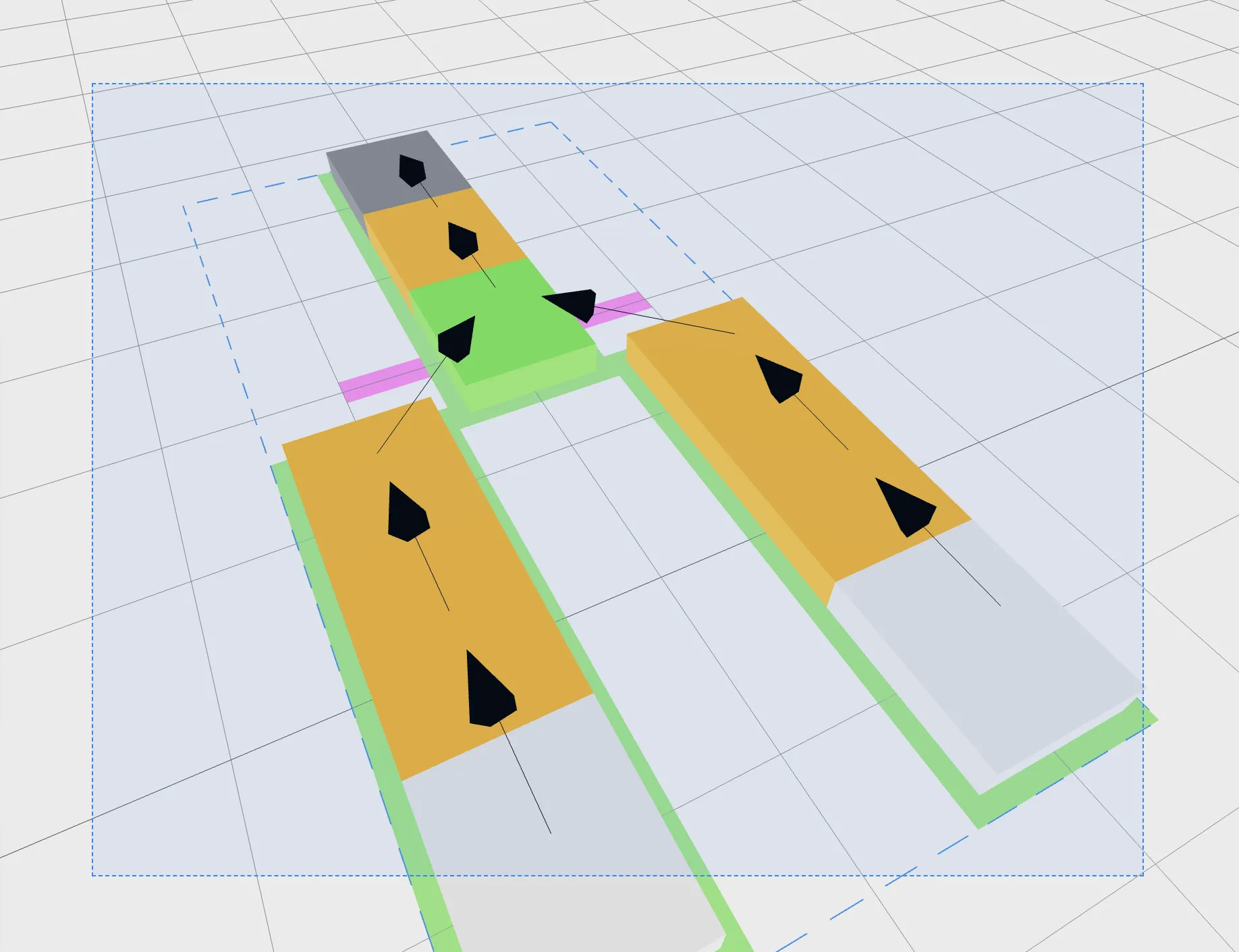
Movement should match what the user sees. If arrow keys move relative to the camera’s sense of forward and sideways, the layout feels controllable. If they move in a fixed world axis that fights the view, users constantly correct themselves.
Precision needs two speeds. Warehouse planning is full of both fine alignment and coarse rearrangement. Ten centimeters and one meter are not arbitrary numbers. They match how people talk about aisle clearances, conveyor offsets, and bay spacing.
Height is a special case, not an afterthought. In a flat diagram, vertical movement barely exists. In a warehouse, lifts, platforms, and multi-level flow are real. So vertical nudge deserves its own modifier, not a buried property field.
Clipboard operations should preserve structure. Paste is only useful if the pasted group remains a usable pattern — relative positions intact, ready to become the next design iteration.
What this means for warehouse planning work
Early layout work is exploratory. You are comparing inbound concepts, testing whether an SRM aisle still fits after adding a spur line, checking if a shuttle buffer zone collides with a pedestrian path, or mirroring a goods-to-person station. In CAD-heavy approaches, the drawing can be precise while the operational question stays unanswered. What many teams need is a fast middle layer: a layout editor you can change live in a workshop, not only overnight in a modeling backlog.
That is why editor tools are just as crucial as simulation engines. If rearranging five conveyors takes only minutes and throughput updates instantly, planners can evaluate alternatives while the discussion is still happening. When duplicating a zone is quick and intuitive, teams can confidently explore multiple design variants within a single session. Better interaction doesn’t replace analysis — it accelerates learning by making it easy to try more options and see clear, measurable results right away.
Building this with planners
RackFlow is built by working directly with warehouse planners and iterating on what is actually required for real layout work. The editor already handles the interactions users need most: multi-select, moving on the floor plane, precise nudging, vertical movement, copy/paste, and undo/redo. These form the solid foundation for an interactive planning and simulation tool.
Next on my list are a rotation handler and in-scene handlers to resize conveyors directly—so you can twist and stretch equipment in the layout without jumping into a side panel.
If you’re planning a warehouse and something in RackFlow feels slow, confusing, or simply not how you expect it to work, I’d genuinely like to hear about it. Those conversations shape what gets built next.
Conclusion
Good warehouse planning is hands-on work. The interactions that feel obvious in tools like Excalidraw and tldraw—select, nudge, copy, paste, undo—matter just as much in 3D, even if they are harder to get right. RackFlow brings those familiar editor habits into a warehouse layout context, while staying inspired by the depth of established simulation platforms.
Thank you